This disk can be used to access system recovery tools, giving you options of using an antivirus, System Restore, document and picture backup and recovery, automated system repair, and a command-line prompt for manual advanced recovery.
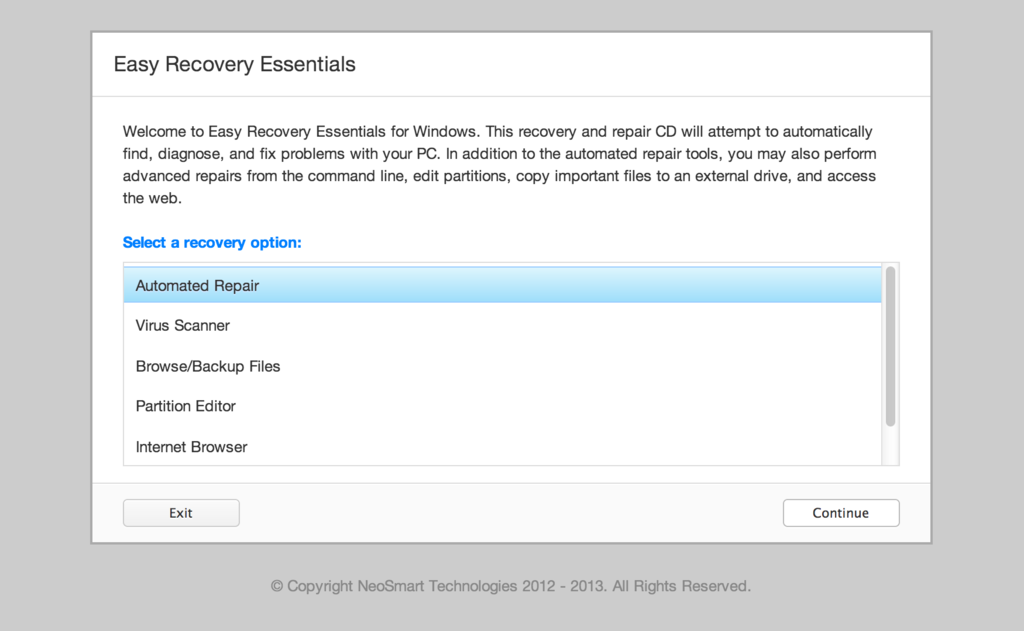
 Ever since we first made available the Windows Vista Recovery Disc for download back in January, we’ve been inundated with requests for an x64-compatible version. Flash-forward to three months later, and it’s finally here!
If you don’t already know what the Windows Vista Recovery Disc is and what’s used for, take a quick look at the original article – good luck catching up on the half-a-thousand comments there!
Note that this download is no longer free, due to licensing restrictions imposed upon us.
What it does: The Windows Vista Recovery Disc can be used to access a system recovery menu, giving you options of using an antivirus program, System Restore, Complete PC Backup, automated system repair, and a command-line prompt for manual advanced recovery.
What it doesn’t do: You cannot use the Windows Vista Recovery Disc to re-install Windows – it only fixes (not replaces!) Windows.
Why you need it: If you bought your PC from a major retailer, you didn’t get this CD with your hefty purchase.
 Today is Pi-Day 2008. A day in honor of Pi, one of the oldest and most mysterious mathematical constants known to man. A day in celebration of the works of dozens of great mathematicians and scholars. A day to revel in the glory and power of Pi. For those of you that live in the USA and use the MM/DD date representation format, the reason should be clear enough: March 14th, 2008 == 3.14.