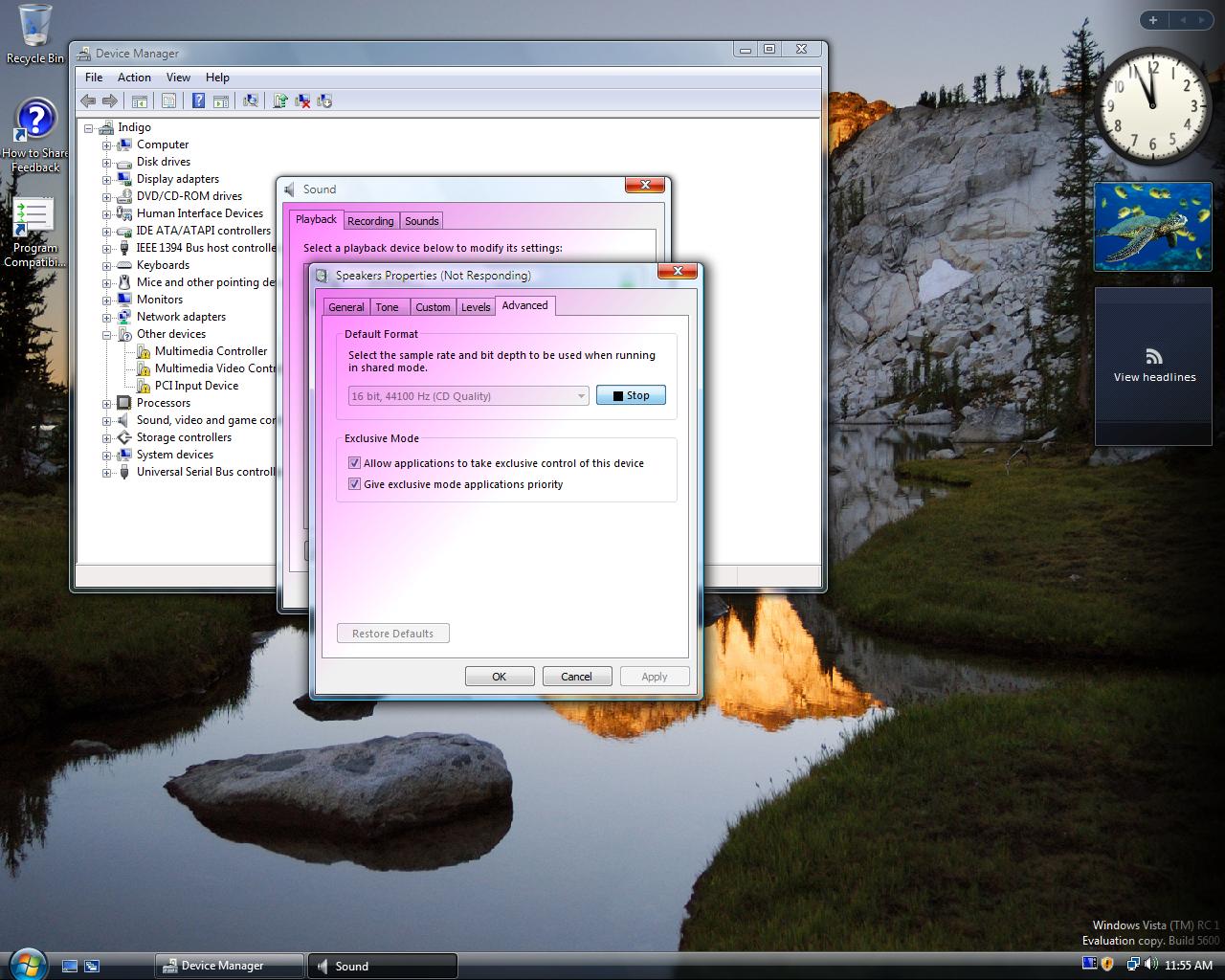
Download our recovery and repair disk for Microsoft Windows Vista (also available for Windows 7, 8, XP, 10, 11 or Windows Server editions) that can be used to access system recovery tools, giving you options of using an antivirus, System Restore, document and picture backup and recovery, automated system repair, and a command-line prompt for manual advanced recovery.
Download recovery disk for Windows Vista
Looking for recovery disks for other Windows versions?
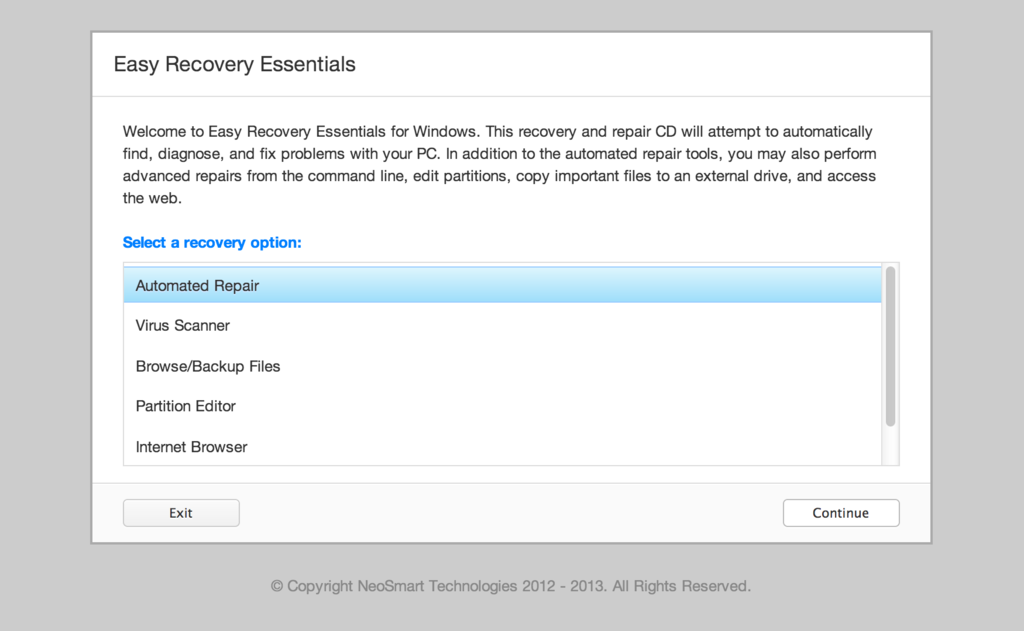
Easy Recovery Essentials (or EasyRE) is a 55 to 135 MiB download image ready to be burned directly to a CD, DVD or a USB stick.
Features of Easy Recovery Essentials include:
- Automatically find and fix errors
- Works even when you can’t get into Windows
- Recover from virus infections
- Restore your PC to a working state
- Access and back up your important data
- Use your PC even when it doesn’t work
- Advanced tools for IT experts
Contents
- Disk for recovery & repair
- Download recovery disk for Windows Vista
- Burn to CDs, DVDs or USB sticks
- Compatible with PC manufacturers
- Dell, HP, Asus, Acer
- Lenovo, Toshiba, Samsung
- IBM, Compaq, Gateway, eMachines
- Disk for Windows 7, 8, XP or Server editions
- Support
Disk for recovery & repair
If you’re like most PC users, you probably got Windows Vista with a new PC or laptop. And if you’re like 99% of the population, you get your new machines from one of the major manufacturers.
Dell, Acer, HP, Toshiba, Lenovo, they all have one thing in common: they don’t give you a real Windows Vista installation disk with your purchase.
Instead, they bundle what they call a “recovery disk” (that’s if you’re lucky – otherwise you’ll have a recovery partition instead) with your machine and leave it at that.
It doesn’t matter that you just paid a thousand dollars for a machine that comes with a valid Windows Vista license – your computer manufacturer just don’t want to spend the money (or perhaps take on the responsibility) of giving you a Windows Vista installation DVD to accompany your expensive purchase.
The problem is, with Windows Vista, the installation media serves more than one purpose. It’s not just a way to get Windows installed, it’s also the only way of recovering a borked installation.
The DVD has a “recovery center” that provides you with the option of recovering your system via automated recovery (searches for problems and attempts to fix them automatically), rolling-back to a system restore point, recovering a full PC backup, or accessing a command-line recovery console for advanced recovery purposes.
Download recovery disk for Windows Vista
 Easy Recovery Essentials repair process is non-destructive, recovering PCs without formatting or reinstalling Windows.
The powerful repair process can fix many issues that Microsoft’s own Startup Repair cannot. In addition to the industry-leading automated repair features, this disk will give you access to the following:
- System Restore
- Web Browser
- Partition Editor
- Antivirus Scanner
- Data/File Backup and Recovery
- Commandline/Terminal Access
Later update: Please note that this download is no longer free, due to licensing restrictions imposed upon us.
Download Easy Recovery Essentials for Windows Vista
Our recovery disk supports x86 and x64 platforms and all Windows Vista versions, including 32-bit and 64-bit editions:
- Windows Vista Ultimate (32-bit and 64-bit editions)
- Windows Vista Enterprise (32-bit and 64-bit editions)
- Windows Vista Business (32-bit and 64-bit editions)
- Windows Vista Home Premium (32-bit and 64-bit editions)
- Windows Vista Home Basic (32-bit and 64-bit editions)
- Windows Vista Starter (32-bit edition)
And all Service Packs:
- Windows Vista Service Pack 1 (SP1)
- Windows Vista Service Pack 2 (SP2)
This disk is a 120 MiB download in standard ISO format that you’ll need to burn to a CD or DVD before you can use it as a bootable recovery medium. You can also burn it on a USB stick.
You cannot use a recovery or repair disk to install or reinstall Windows Vista.
Burn to CDs, DVDs or USB sticks
NeoSmart Technologies has published a guide on how to burn an ISO image to CD or DVD with your favorite burning program, which you can read if you need more information or help on this topic. You can burnt it with ImgBurn, Alcohol 120% or ActiveISO:
You can also burn it on a USB stick if you don’t want to use CDs or DVDs. We published a guide on making a EasyRE recovery USB.
Compatible with PC manufacturers
This recovery and repair disk is compatible with desktops, workstations, laptops, notebooks, netbooks, ultrabooks and servers from major PC manufacturers, like Dell, HP, Asus, Acer or Lenovo plus more.
Dell, HP, Asus, Acer
Dell
The disk is compatible with all Dell laptops and desktop computers, including all its manufactured series like Adamo, Inspiron, Studio, Vostro, XPS, Latitude.
Do you have a Dell computer running Windows Vista? Read our Dell recovery and restore guide.
HP
The disk is compatible with HP computers: ENVY, EliteBook, Essential Home, Pavilion and x2 for laptops and ENVY, Essential Home and Pavilion for desktops and All-in-One Desktop PCs.
Do you have a HP computer running Windows Vista? Read our HP recovery and restore guide.
Asus
It’s compatible with notebooks, ultrabooks, laptops and desktops from ASUS.
It works for any computer that was manufactured by ASUS, if it runs Windows XP, Vista, 7, 8 or any of the following Windows Server editions: 2003, 2008, 2012.
Do you have an Asus computer running Windows Vista? Read our Asus recovery and restore guide.
Acer
It’s compatible with any Acer computer that has Windows installed, including these manufactured series:
- Aspire R, Aspire V3 and Aspire E for notebooks
- Aspire S7, Aspire S5, Aspire S3, Aspire P, Aspire M, Aspire V7, Aspire V5 for ultra-thin computers
- Aspire One for netbooks
- Aspire M and T, Aspire X and Predator G for desktops
Do you have an Acer computer running Windows Vista? Read our Acer recovery and restore guide.
Lenovo, Toshiba, Samsung
Lenovo
You can download the repair disk for any Lenovo computers, such as:
- ThinkPad, IdeaPad, Essential series for laptops
- Thinkcentre, Ideacentre and Essentials series for desktop PCs
Do you have a Lenovo computer running Windows Vista? Read our Lenovo recovery and restore guide.
Toshiba
It’s compatible with any Toshiba computers running Windows:
- Satellite, Qosmio, Portege, Tecra, Kira family series
- All-in-One desktop series
Do you have a Toshiba computer running Windows Vista? Read our Toshiba recovery and restore guide.
Samsung
The disk is compatible with Samsung line of laptops and desktops, including:
- ATIV Book, Gaming and Business PC series for laptops
- ATIV One for All-in-One desktops
IBM, Compaq, Gateway, eMachines
IBM
IBM personal computer business division was acquired by Lenovo in 2005.
This disk supports IBM desktop and laptop models, most notably the ThinkPad line.
Compaq
Compaq was acquired by HP in 2002, but some of its famous PC line series are still used by our customers.
Our disk works with Compaq notebooks and desktops PCs, including Compaq Presario series.
Gateway
Gateway Computer was acquired by Acer in 2007.
Our disk is compatible with Gateway Computers netbooks, notebooks and desktops PCs, such as:
- Series SX, DX and One ZX for desktop systems
- NE and NV series for notebooks
- LT series for netbooks
Do you have a Gateway computer running Windows Vista? Read our Gateway recovery and restore guide.
eMachines
eMachines PCs were manufactured up until 2004 when Gateway Computers brought the company. Gateway Computers was later acquired by Acer in 2007, but the eMachines PC brand was used until 2012.
If you own a computer from this computer brand, our disk is compatible with eMachines PCs.
Disk for Windows 7, 8, XP or Server editions
Windows 7
You can get our recovery disk for Windows 7. It supports all versions: Ultimate, Enterprise, Professional, Home Premium, Home Basic and Starter.
Download for Windows 7.
Windows 8
You can also get the recovery disk for Windows 8.
Download for Windows 8.
Windows XP
Easy Recovery Essentials is available for Windows XP users and it supports all Service Packs: Service Pack 1 (SP1), Service Pack 2 (SP2) and Service Pack 3 (SP3).
Windows Server 2003, 2008, 2012
Easy Recovery Essentials supports Microsoft Windows Server editions: 2003, 2008 and 2012.
Support
Our disk supports all Windows service packs (Windows XP SP1, Windows XP SP2, Windows XP SP3, Windows Vista SP1, Windows Vista SP2, Windows 7 SP1, Windows 7 SP2, Windows 8.1, Windows Server 2003 R2, Windows Server 2008 R2, and Windows Server 2012 R2.
Please don’t ask for help below, it’ll get real cluttered real soon! Open a support thread at https://neosmart.net/forums/ and we’ll help you resolve your problem ASAP.

 For the last 15 years, I have been a Windows user and developer. I’ve owned several different computers, all running one version of Windows or another, and sometimes I’d even do a little bit of dabbling in Linux, but for the most part I’ve always felt that Windows could be better. The user interface lacks consistency, and personally I feel that with Windows Vista, things are going down hill.